 Spell Excel
Spelling that grows on you.
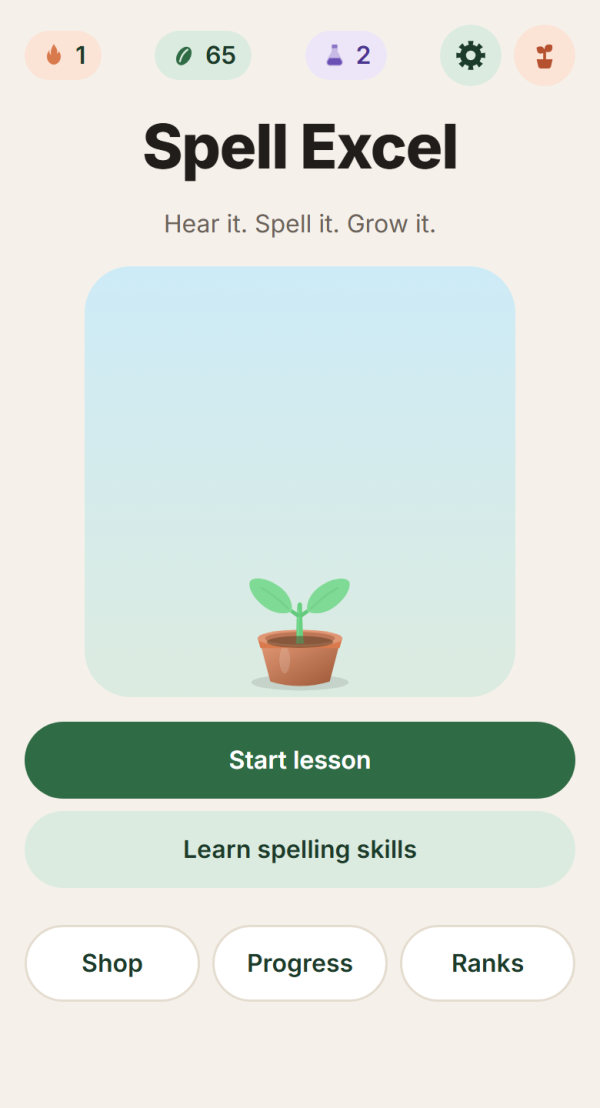
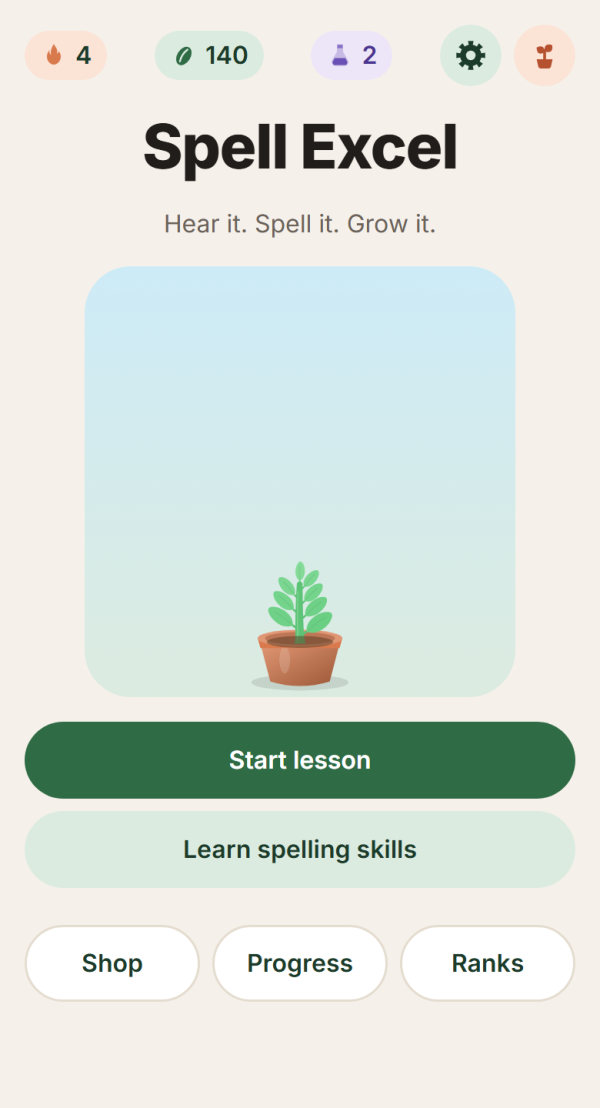
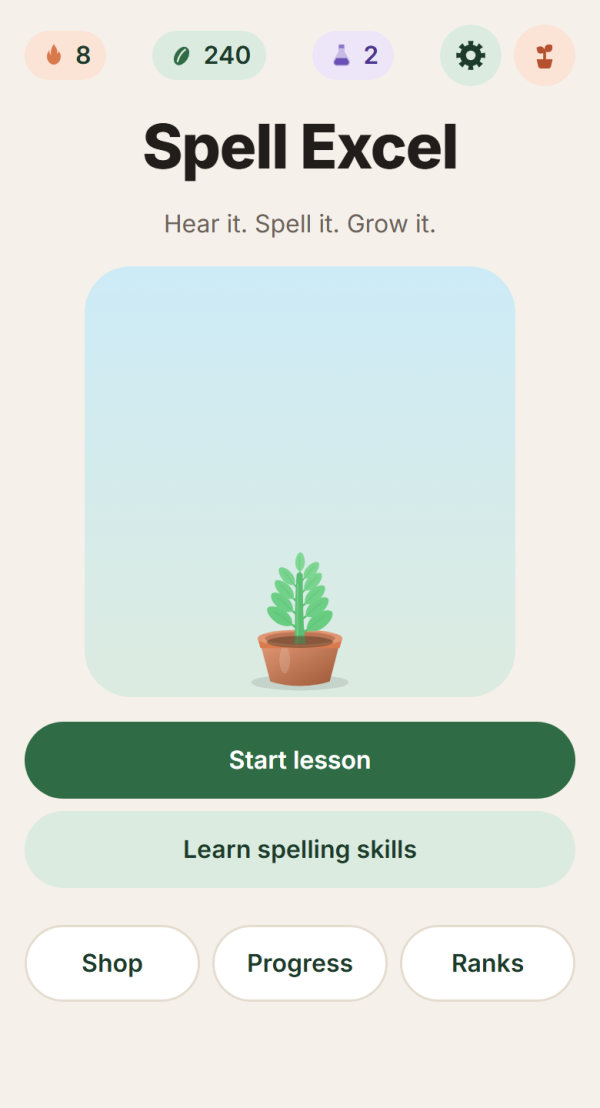
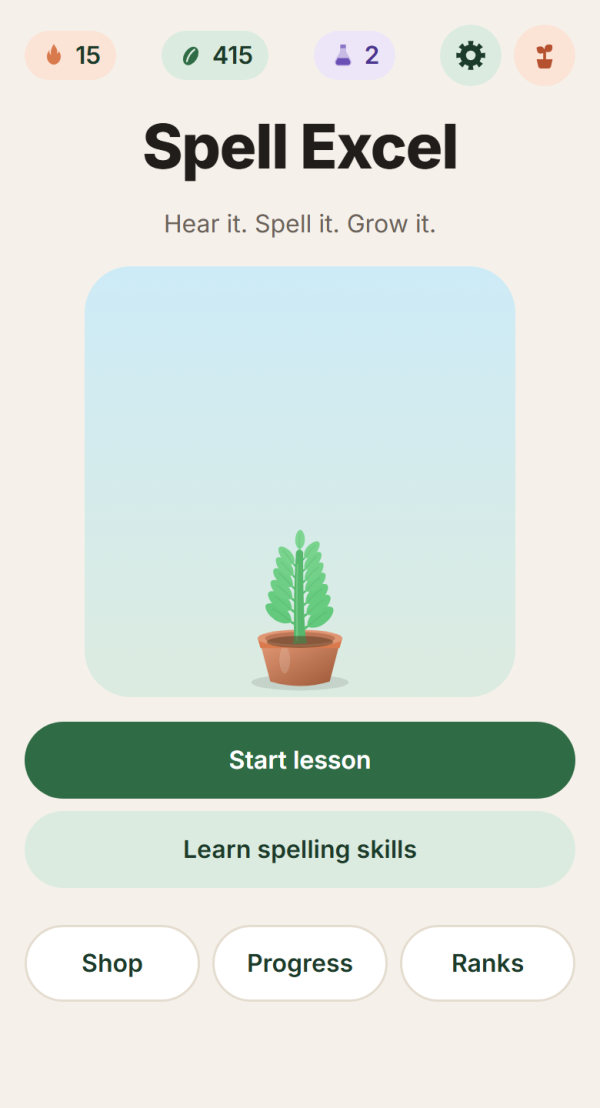
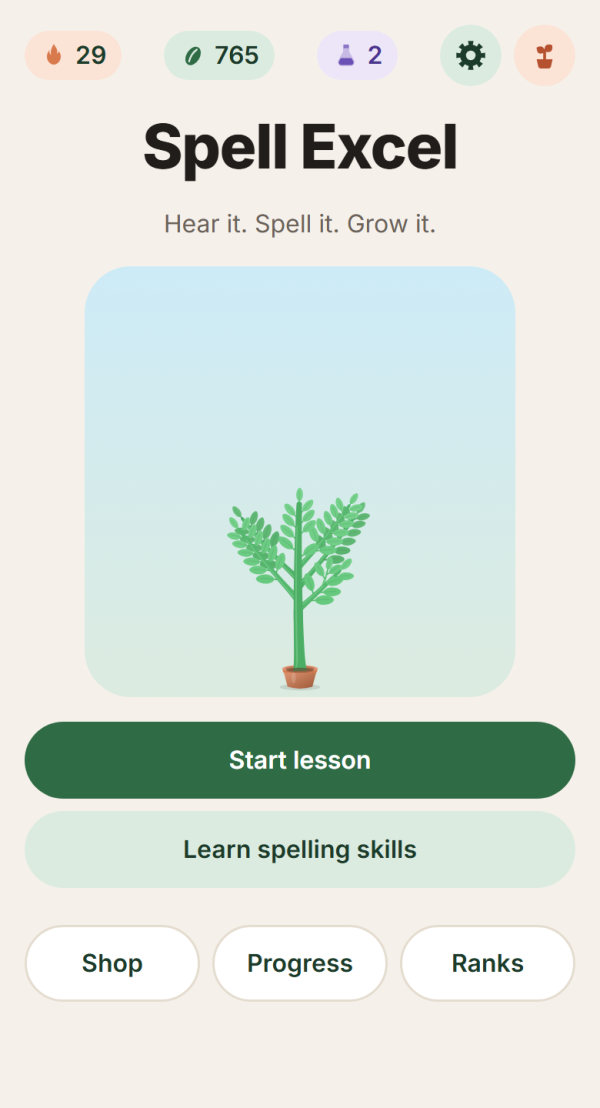
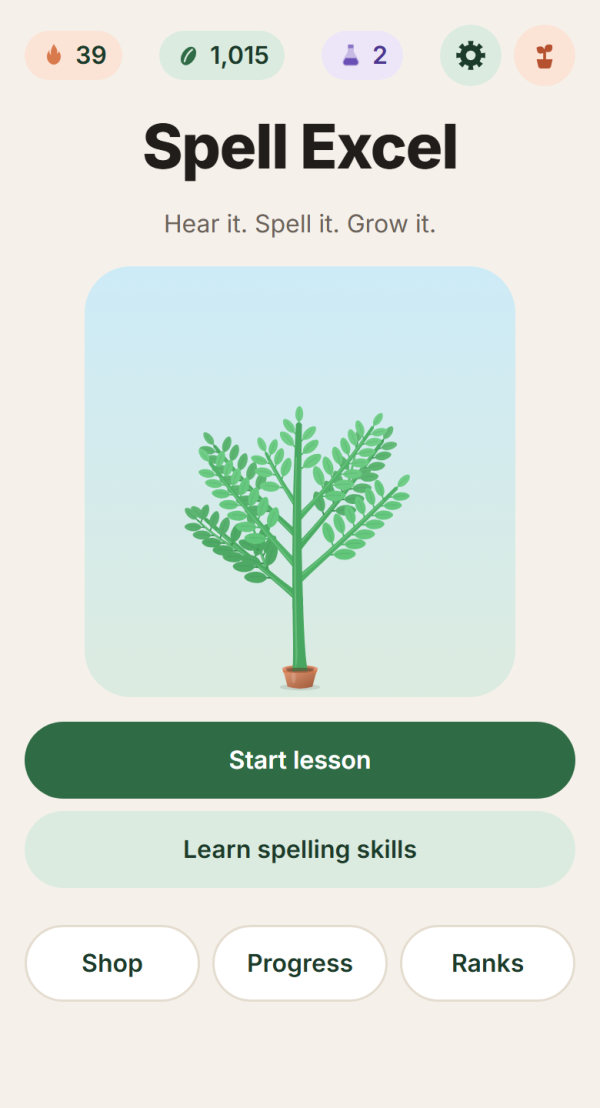
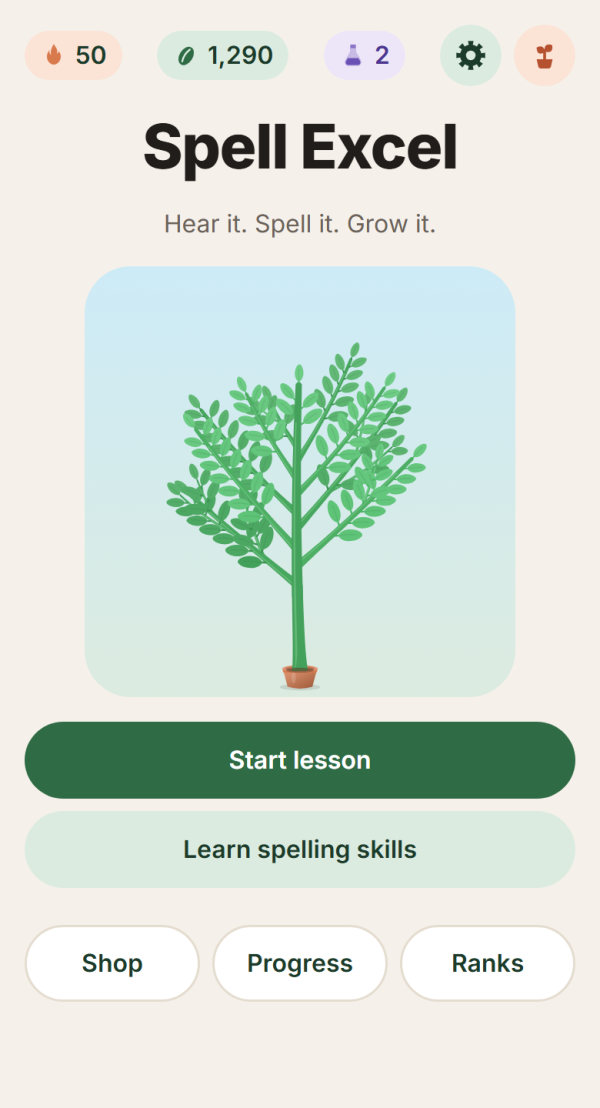
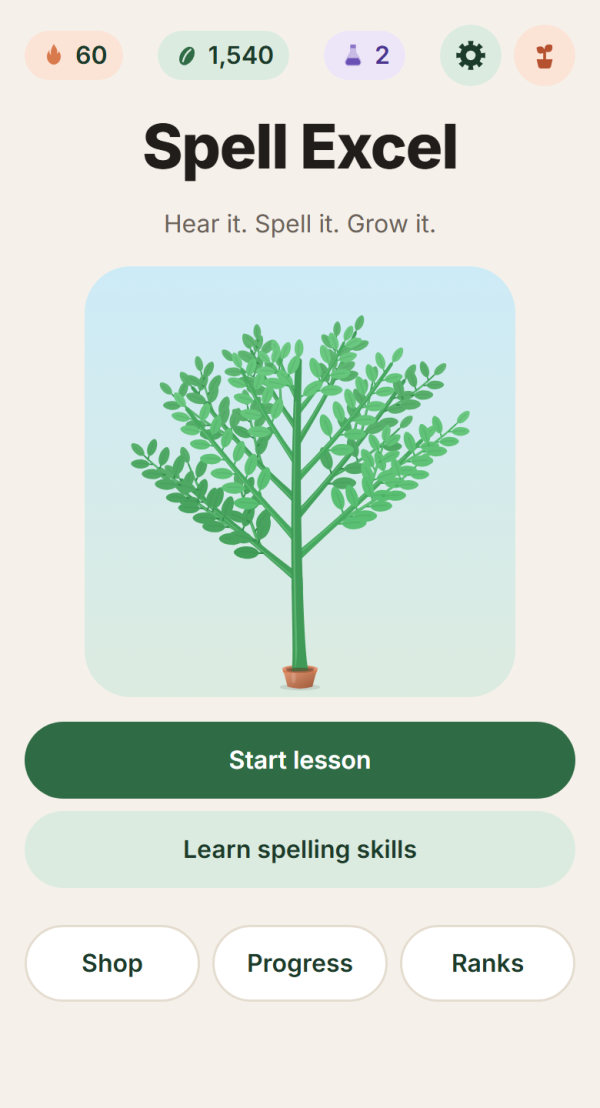
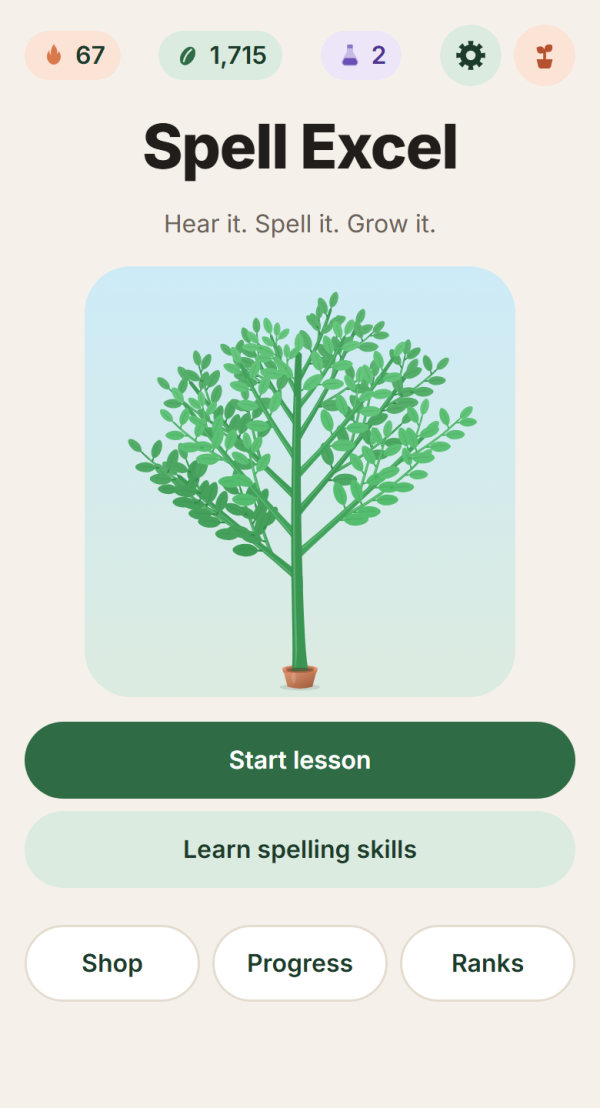
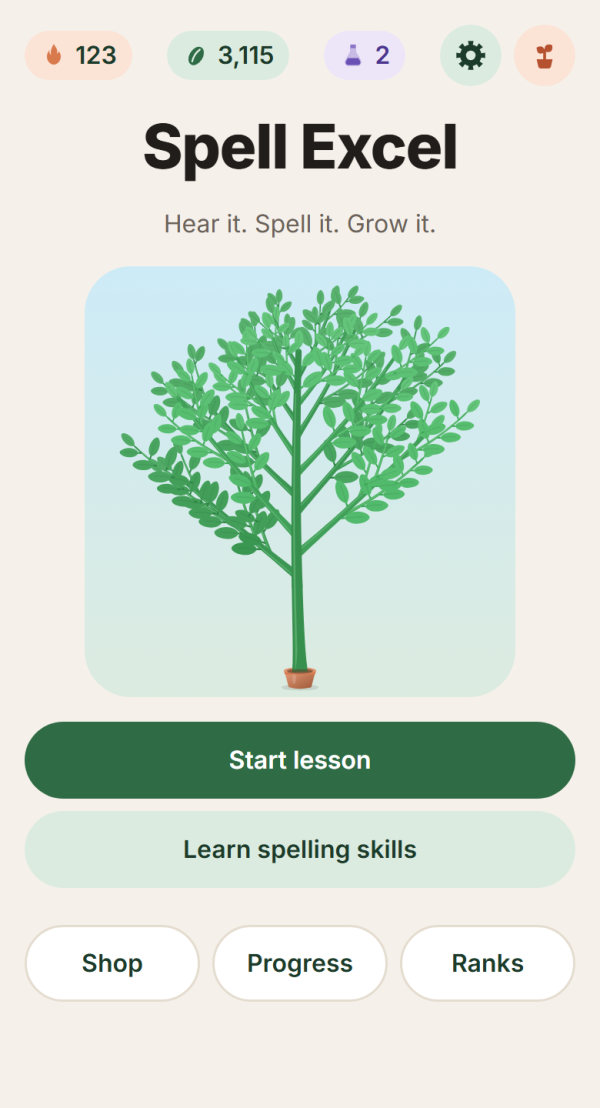
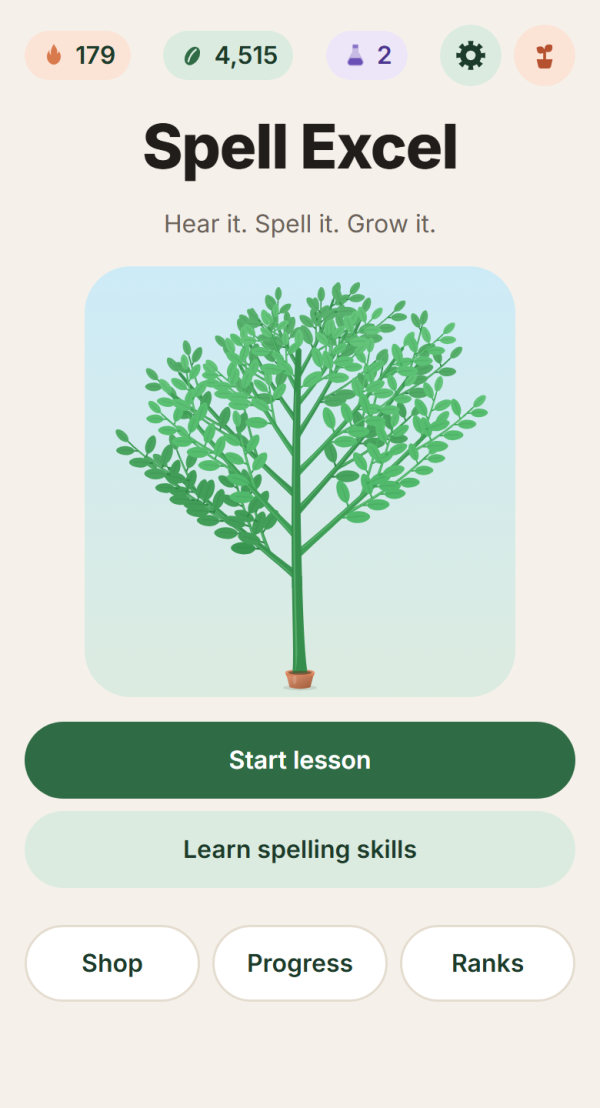
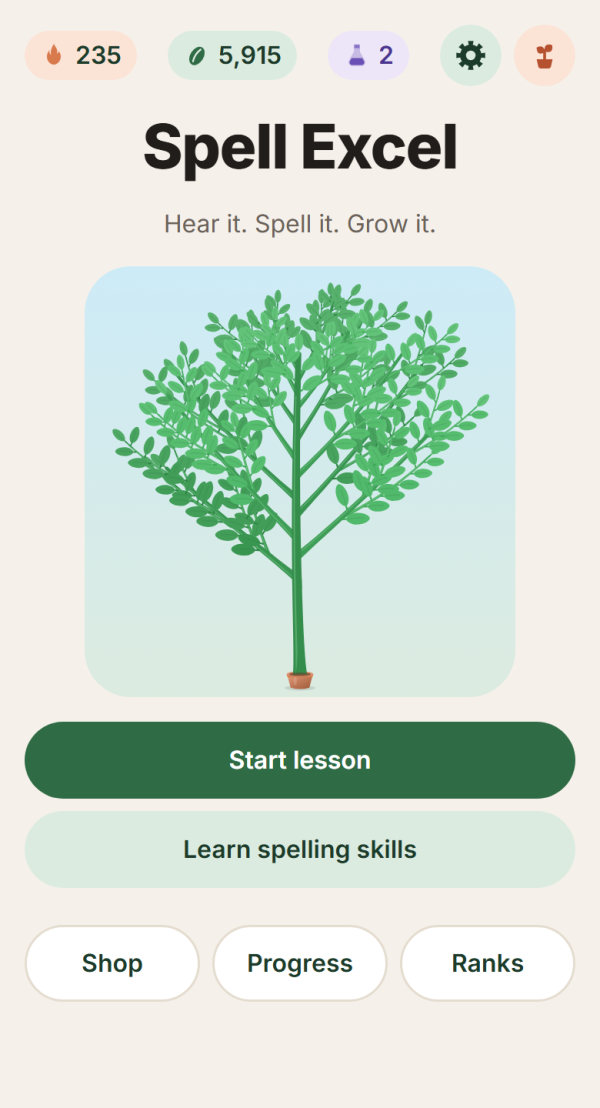
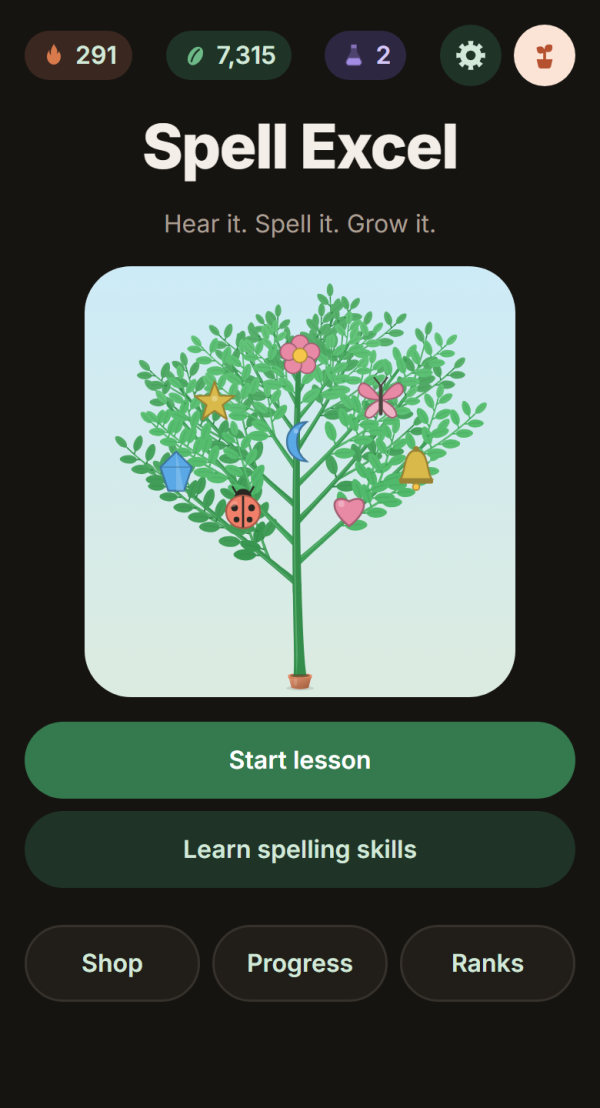
Short daily spelling lessons in seven languages. Practise each day and your plant grows with your streak.
Free to start. No account needed.
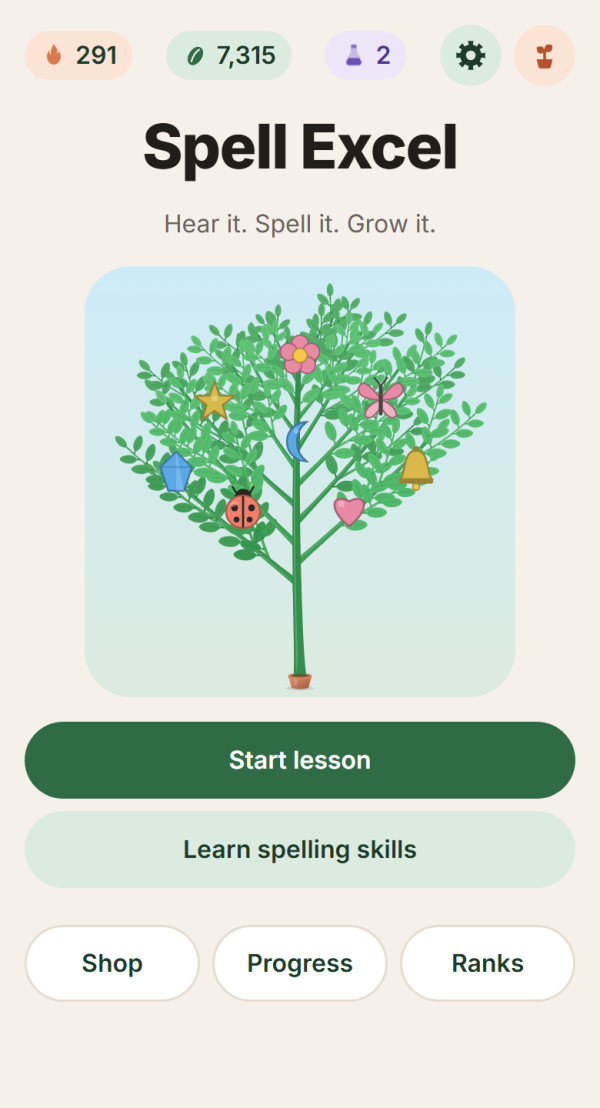
Seven languages to practise
Many ways to spell a word
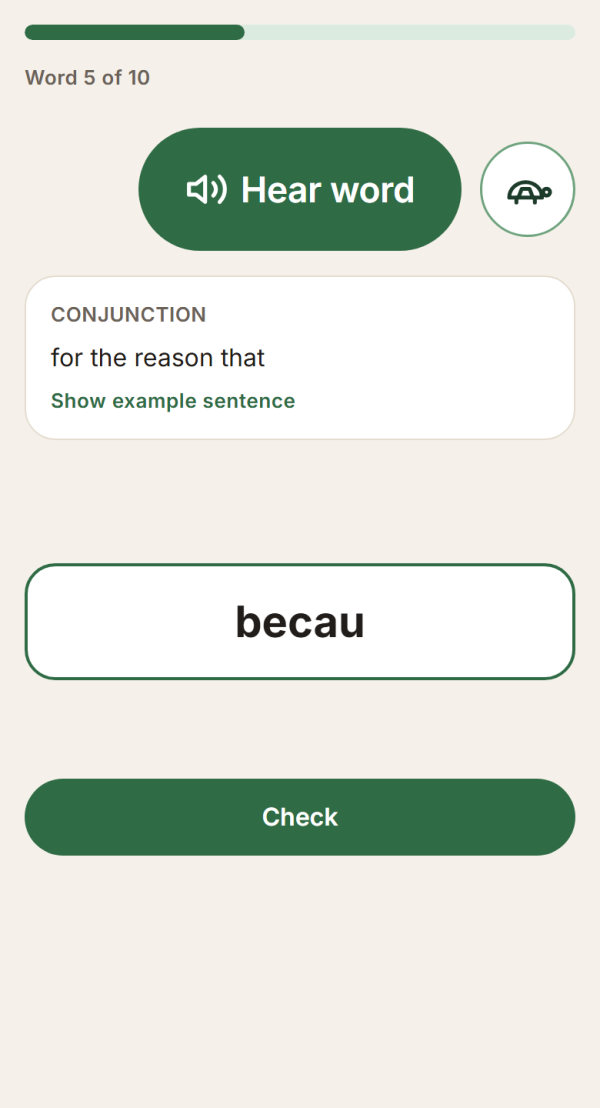
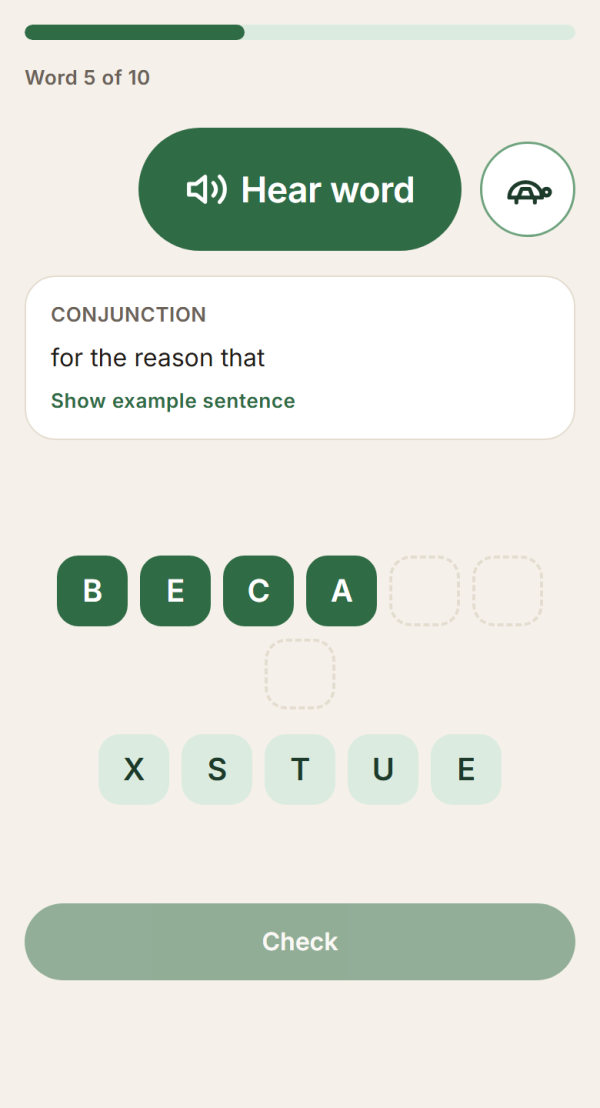
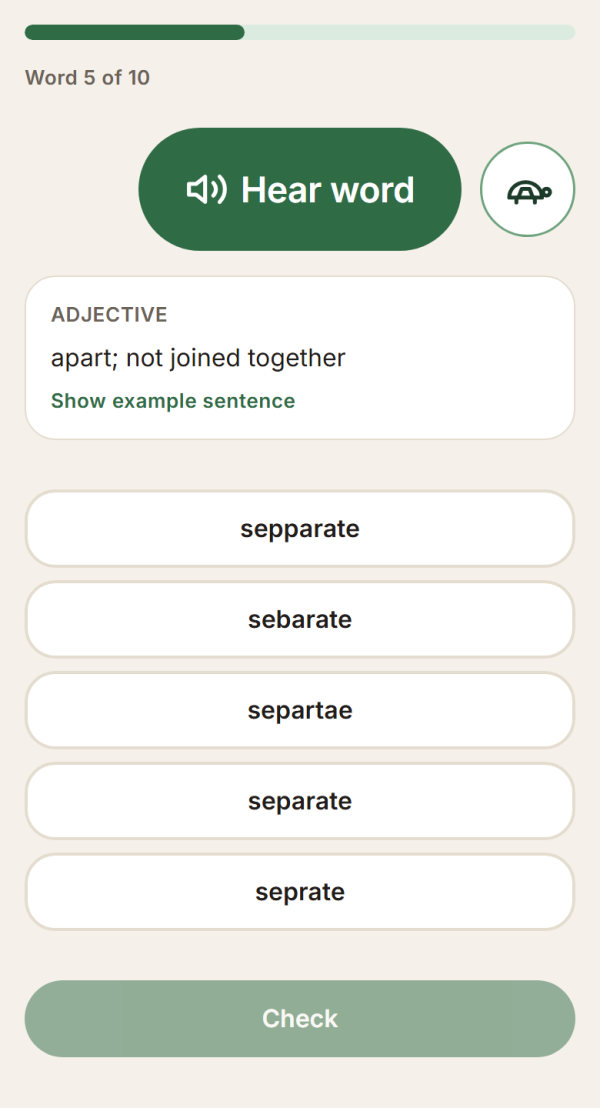
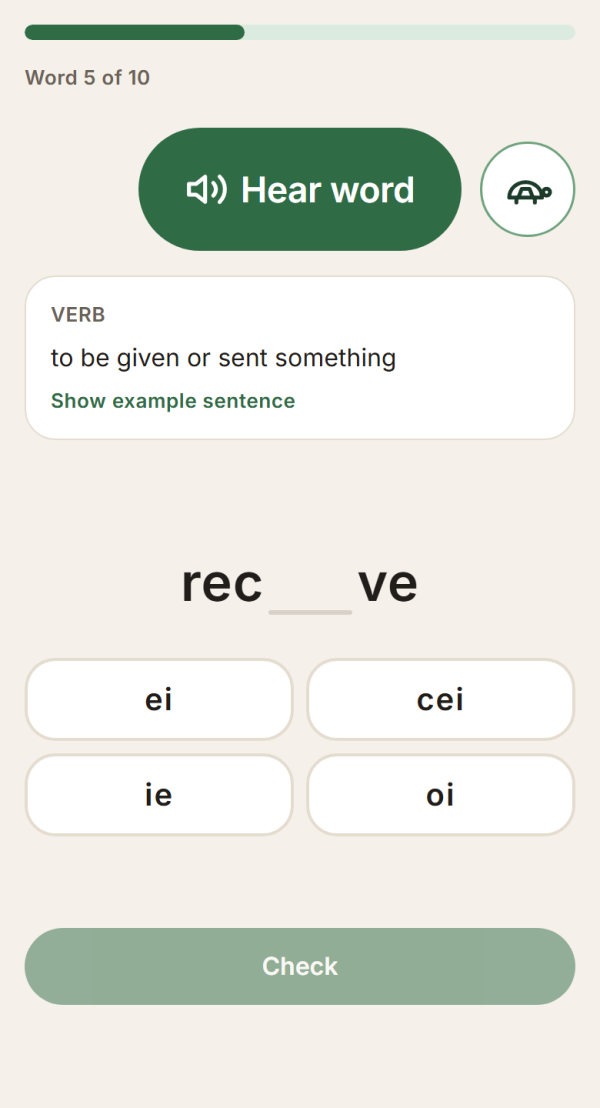
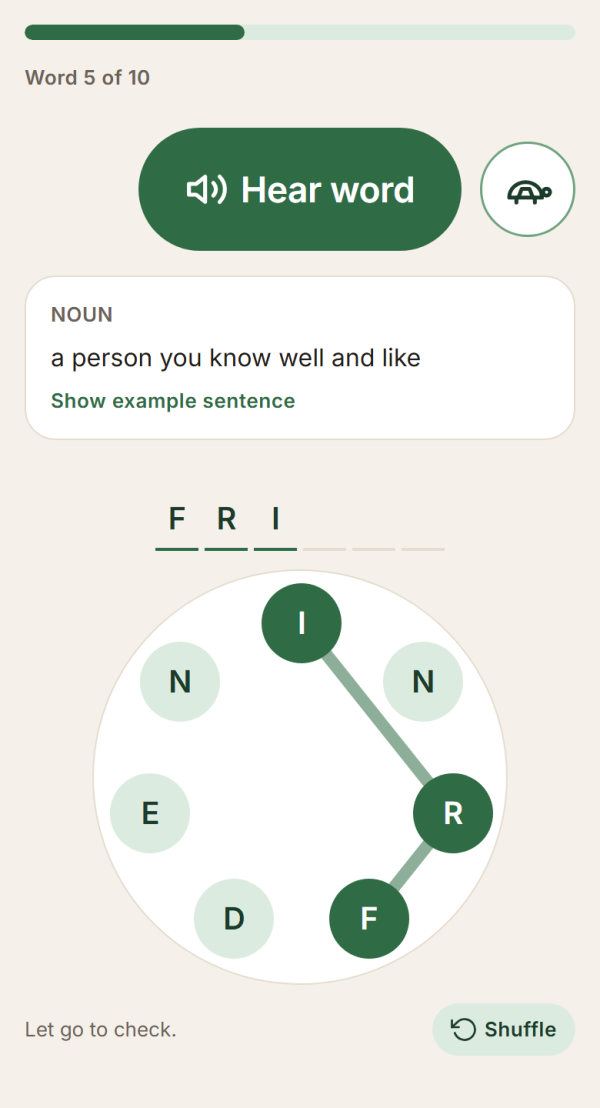
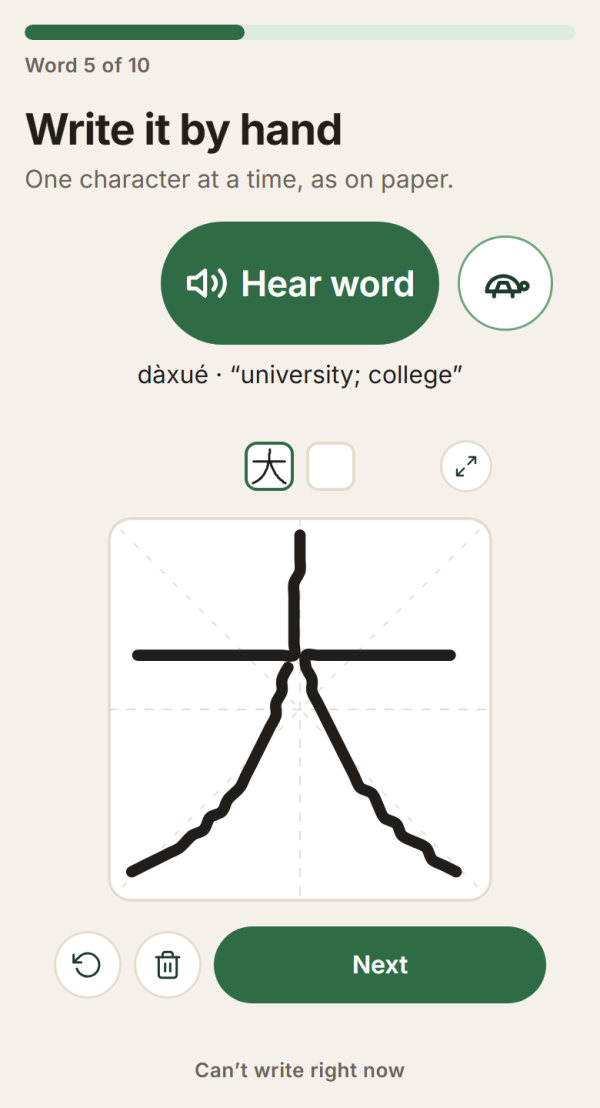
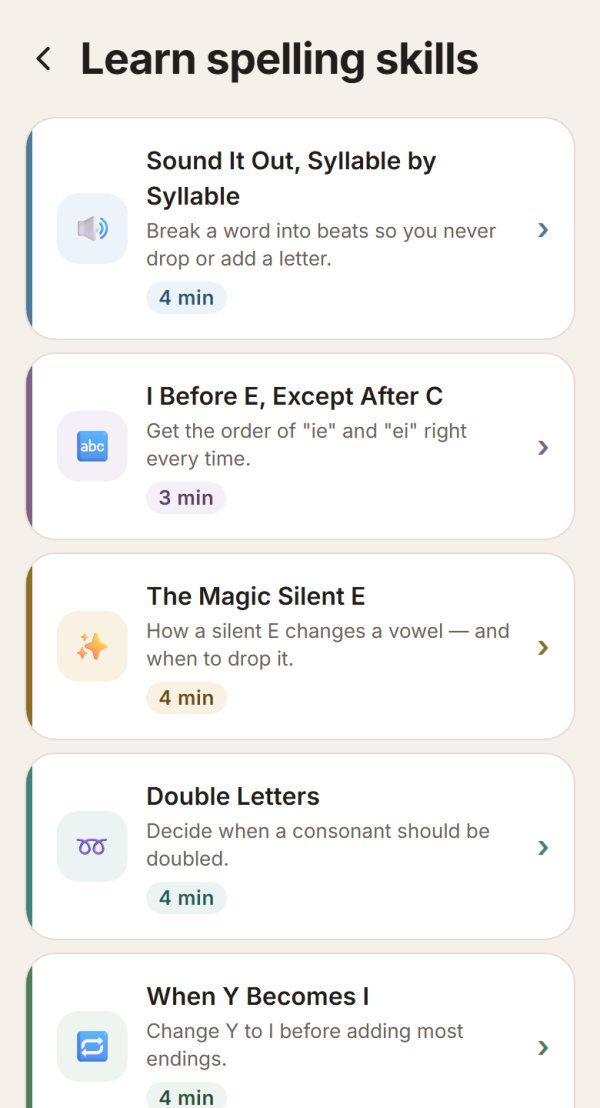
And a lot more inside
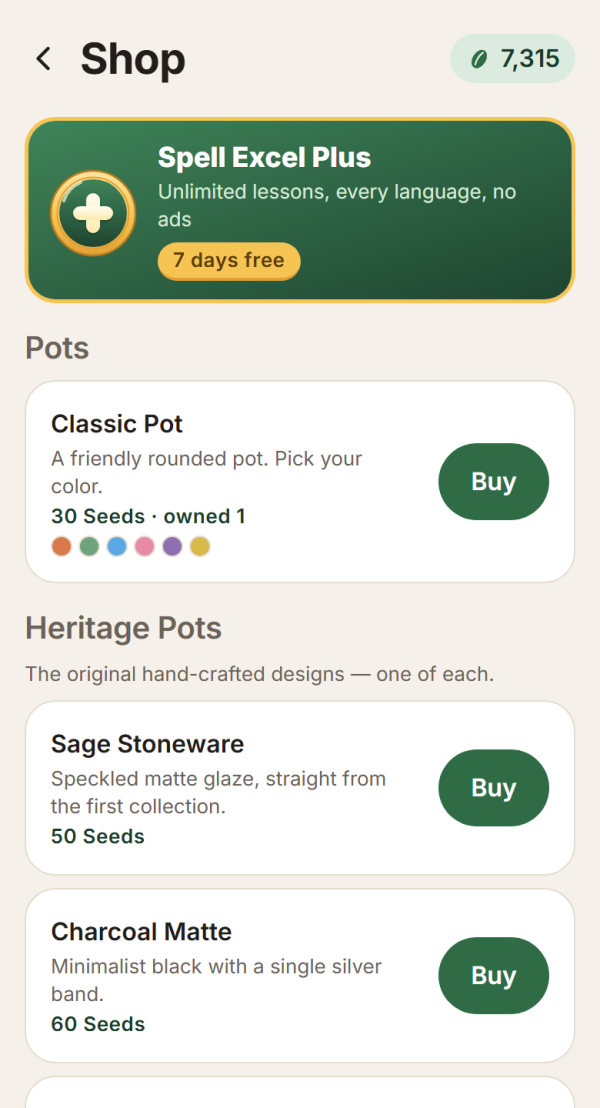
 Spell Excel Plus
Unlimited lessons. Every language.
Free, you get one lesson and one spelling skill a day, in one language. Plus opens it all.
Yearly
Monthly
- Unlimited lessons and spelling skills, as many a day as you like
- All seven languages, and switch whenever you like
- No ads, nothing between you and your next lesson
- A Life Potion every month, to save your streak on a day you miss
- A gold app icon on your home screen
Subscribe in the app. It renews until you cancel, and you can cancel any time in your App Store or Google Play subscriptions. Prices are in US dollars; the store shows yours.
Questions
Is Spell Excel free?
Yes. Every day you get one lesson and one spelling skill for free, in the language you choose, with some ads. Spell Excel Plus gives as many lessons as you like, the other six languages, no ads and a Life Potion each month.
Which languages can I practise?
English, Spanish, French, German, Chinese (Mandarin), Hindi and Arabic - each with its own lessons.
Is it made for children too?
Learners under 13 are never asked for personal details, their purchases need a grown-up, and ads are never personalised. Read the privacy policy.
Do I need an account?
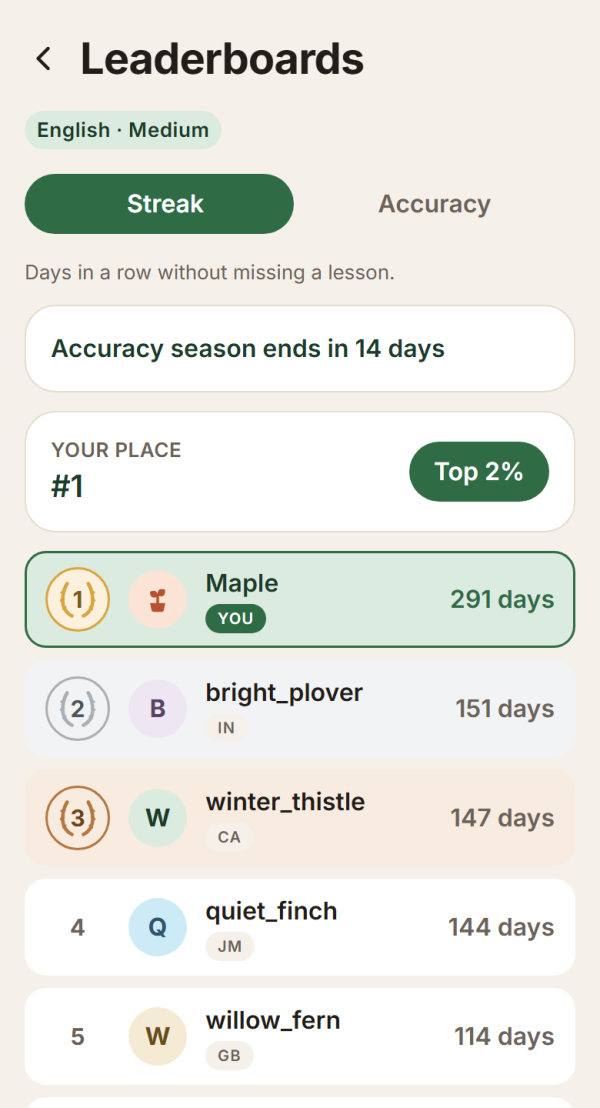
No. Lessons, your plant and your streak work without one. An account only puts a name on the leaderboards.
Which phones does it work on?
iPhone, iPad and Android phones and tablets.
How do I get help?
See the support page, or write to vj.dev.studio@gmail.com.